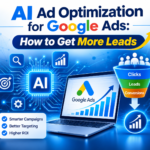
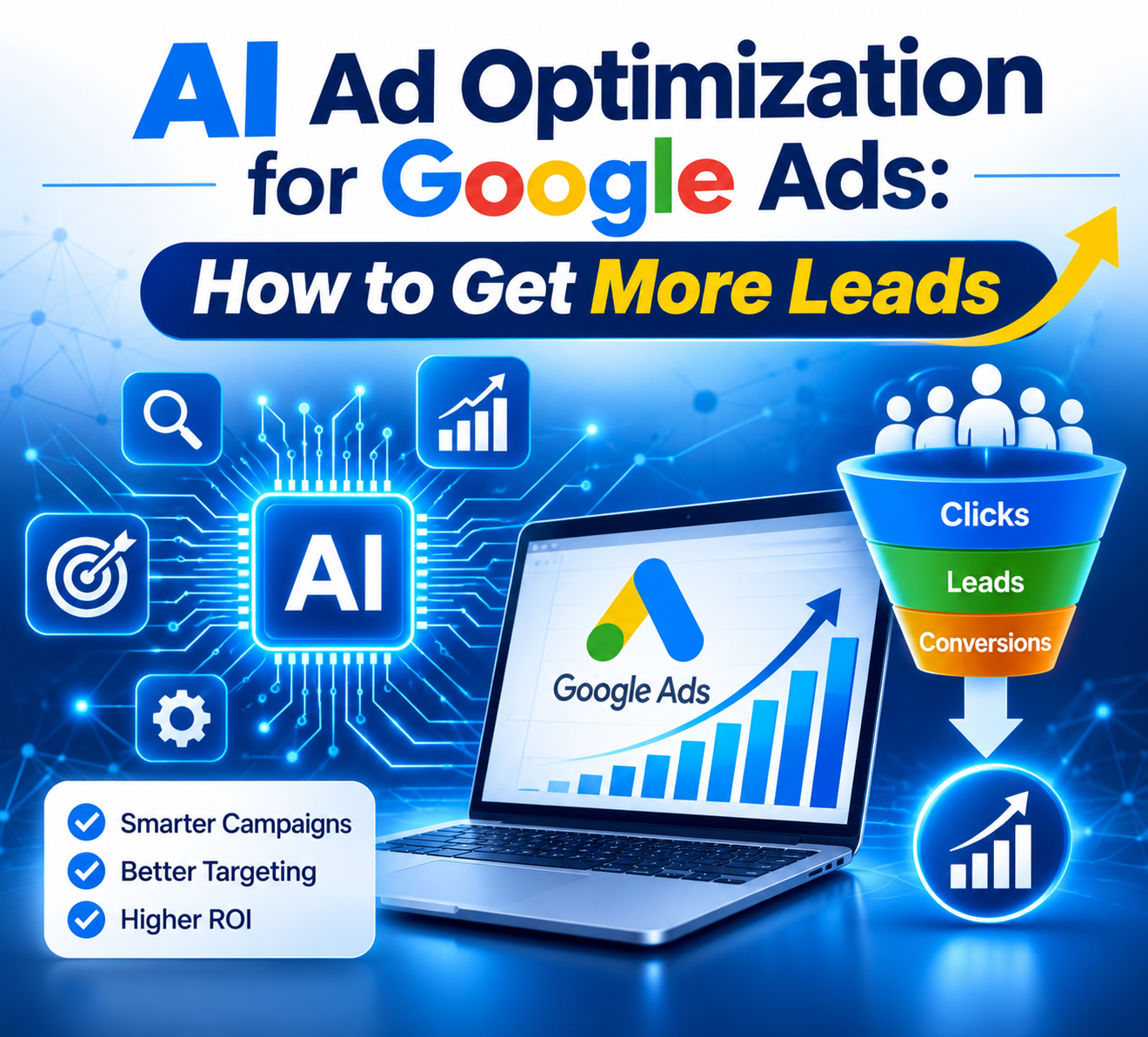
Are you paying for Google Ads clicks that never turn into leads? You are not alone. Many businesses spend money every day and get few calls or forms. The fix is often AI Ad Optimization. It uses data and smart tools to improve your bids, audiences, and ads. This guide shows how it works and how to use it to get more leads.
Why Your Google Ads Get Clicks but No Leads
Usually it’s not one big mistake. It’s a handful of small leaks:
- Your ads appear to people who are unlikely to buy.
- Google may track clicks but not calls or form submissions unless conversion tracking is set up.
- Budget keeps flowing to keywords that don’t convert.
- Nobody looks at the account for weeks.
- Your landing page loses people in the first few seconds.
Any one of these hurts. Together, they quietly drain your budget.
How AI Ad Optimization Works Inside Google Ads
Imagine an assistant that continuously reviews campaign performance. If a keyword consumes budget without generating results, the system can reduce its bid. If an ad generates calls, the system can prioritize showing it more often. That’s AI Ad Optimization at work. Google’s Smart Bidding and Performance Max tools run on the same idea, and the Google Ads Help Center explains how they work.
However, AI has limitations. The AI can’t read your mind. If you optimize for clicks, the system will prioritize clicks rather than qualified leads. Tell it a phone call is the goal, and it goes after calls. Someone needs to configure this correctly, and that requires human oversight.
Five Steps to Get More Leads From Google Ads
Step 1: Count Leads, Not Clicks
Start with tracking. Tell Google what a lead looks like for you: a form fill, a phone call, a WhatsApp tap. Without that, the AI is guessing. Our conversion tracking service can help you set this up without needing to manage the technical setup yourself.
Step 2: Put AI Ad Optimization in Charge of Bidding
Once you have a few weeks of lead data, switch to Smart Bidding and pick a goal like Target CPA. Then allow sufficient time for the system to learn. Big changes can send the AI back into learning mode.
Step 3: Write Ads That Attract Qualified Clicks.
Add several headlines and descriptions. Include your price in one headline, highlight your best offer in another, and use a clear call to action such as ‘Call Today’ in a third. Google tests different combinations of headlines and descriptions. After a few weeks, keep the winners and cut the rest.
Step 4: Match the Landing Page to the Ad
If your ad says “Free quote in 10 minutes,” the page should say it too. Keep the form short and put your phone number up top. Then open the page on your own phone. If the page loads slowly, visitors may leave before engaging with your content.
Step 5: Review and Remove Wasted Spend Weekly.
Open your search terms report. You may find irrelevant search queries that do not match your products or services. Add them as negative keywords, then shift that money to campaigns that bring leads. Spending 10 minutes each week on this review is a good starting point.
Common Mistakes That Reduce AI Ad Optimization Results.
- Turning on automation before tracking is set up
- Changing bids and budgets too often
- Ignoring the search terms report
- Sending all traffic to the home page
- Evaluating performance after only two or three days.
Most of these issues result from insufficient patience or premature changes. AI Ad Optimization requires several weeks of accurate conversion data before it can deliver meaningful results.
How Prakan Digital Solutions Can Help.
At Prakan Digital Solutions, we plan every campaign by hand first. Then we use AI-driven optimization to manage ongoing performance improvements. We set up the campaign structure, track the right conversions, and check the numbers on a regular basis. You can see how it works on our AI Ad Optimization service page or our Google Ads service page.
Want an expert review of your Google Ads account? Call 73588 01678, email prakandigitalsolutions@gmail.com, or send us a message.
FAQs
1.What is AI Ad Optimization, really?
Google may recommend campaign changes based on performance data. However, AI Ad Optimization goes beyond basic recommendations. The full version goes further. It reads your results, spots which ads and keywords bring leads, and moves your money toward them. You set the goal. The AI does the sorting.2.Is AI Ad Optimization worth it if my budget is small?
For example, if a portion of your daily budget goes toward searches that do not generate calls, reducing that wasted spend can improve results. When money is tight, cutting even some of those clicks makes a real difference. Before making changes, set up call and form conversion tracking. If the AI can’t see your leads, it can’t learn from them.
3.How soon will it start working?
Results are not immediate. Allow approximately two to four weeks for the system to gather enough data and stabilize. Performance may fluctuate during the initial learning period, which is normal. Try hard not to tweak things. Every big change can restart the learning.
4.Can I just let the AI run my ads?
We do not recommend relying on AI alone. AI is effective for routine tasks such as bid adjustments and budget allocation. But it won’t notice that your contact form broke on Tuesday, or that your offer feels stale. A person has to watch for that.